BOARDROOM
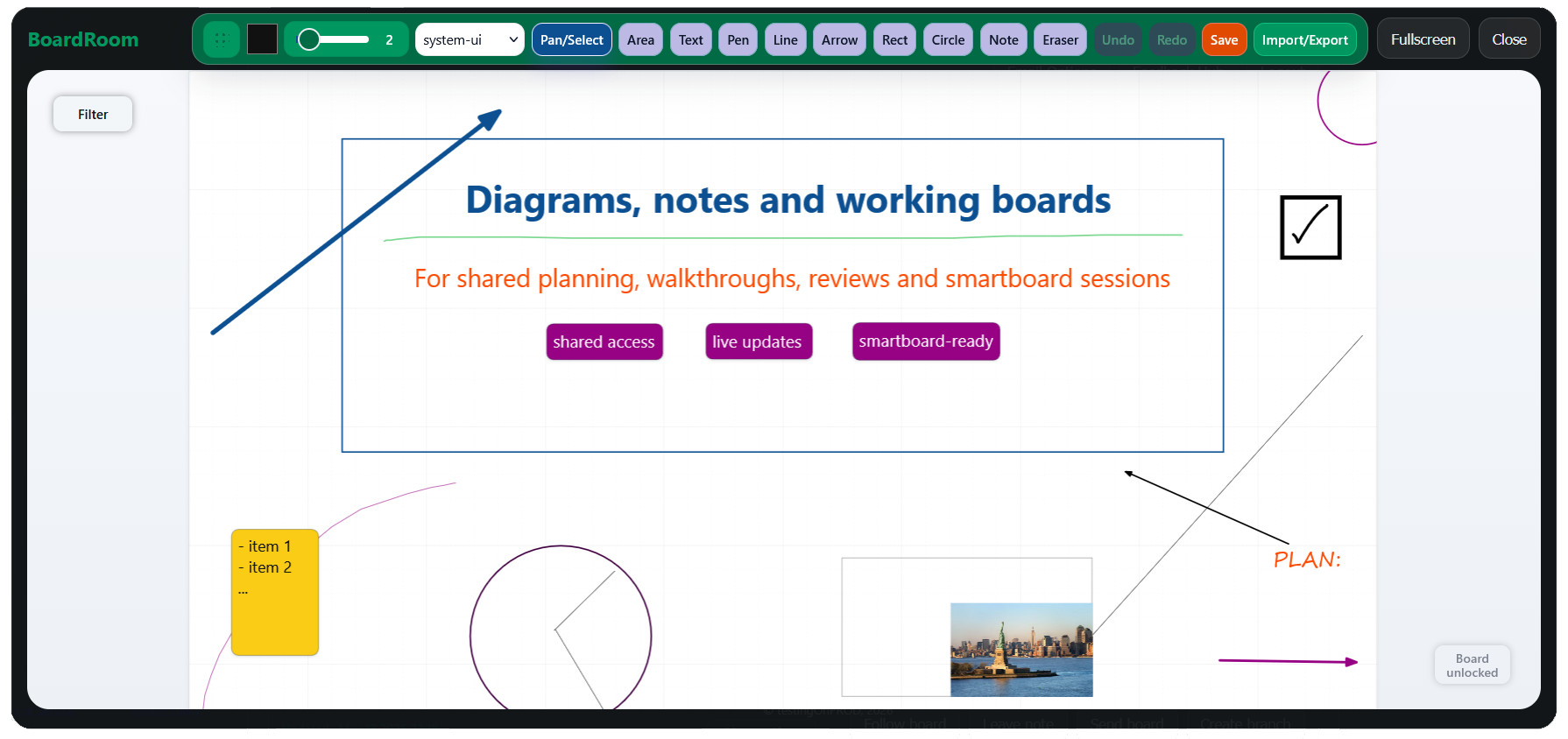
Diagrams, notes and working boards
For shared planning, walkthroughs, reviews and smartboard sessions.
A little space for your next idea.
Continue to sign in or create an account, then open your workspace.
One sign-in across Wizard Stack apps. An existing session may take you straight through.
Using a smartboard or shared display?
Open pairing on this display, then scan its QR code with a phone that is already signed in to BoardRoom.
What is inside
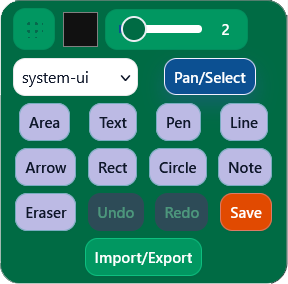
- Freehand drawing, text, notes, shapes and imported images on the same board
- Per-element styling of everything included on board, including text-alignment and stroke width
- Two types of grouping, as well se locking, filtering and presentation-friendly board organization
What BoardRoom is for
- Technical architecture boards and service maps
- Explainer boards for meetings, demos and classrooms
- Shared planning boards with live updates
- Role-based boards for team collaboration
Built for visual work that does not belong in cards
Some work is better handled as a list of tasks. Some is not. BoardRoom is for the second category: work that needs space, adjacency, layering, grouping, annotation, screenshots, styled text and the freedom to move between sketching, writing, reviewing and presenting without leaving the board.
BoardRoom is useful when you need one workspace to act as whiteboard, diagram surface, note layer, image canvas, review space and presentation board at the same time. It is especially good for technical teams, visual reviewers and anyone who wants to walk through a system, process or problem directly on a board, while still keeping member roles, feedback handling, notifications and branching available when the work becomes team-facing.
Smartboard workflow
BoardRoom includes a dedicated smartboard login flow. Open pairing on the display and scan its QR code with your signed-in phone to connect automatically.
Private access
Access is handled through a shared sign-in page. Use Google, Microsoft, or your account credentials, and return to your boards after signing in.
Real-time board alignment
BoardRoom supports instant remote updates. When one user saves changes, other users viewing the same board can immediately receive the updated state.
Roles, members and board branching
Boards support viewers, editors and admins, with role-based actions that include following boards, leaving feedback, managing members and creating branches.
Board feedback that stays on the board
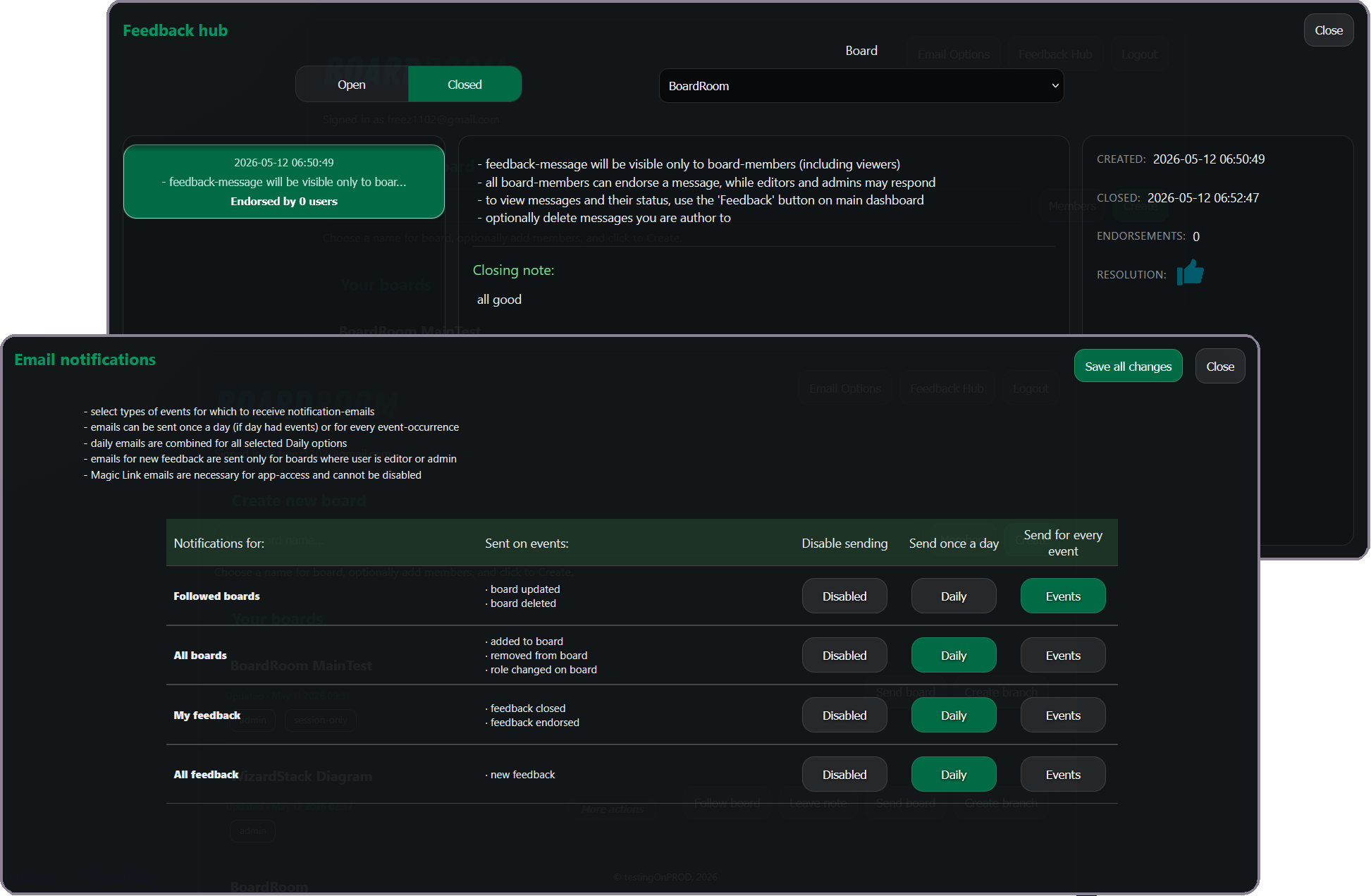
BoardRoom includes a feedback flow tied directly to boards. Board members can leave feedback, editors and admins can review and close it, and the original author can react to the resolution. This makes it easier to keep board discussion attached to the board instead of scattering it across chat and email.
Notification emails can also be customized or fully disabled by category, while only selected boards send reports for their updates. Users can follow every event in the chosen category or opt for the daily digest option, with no more than one email a day.